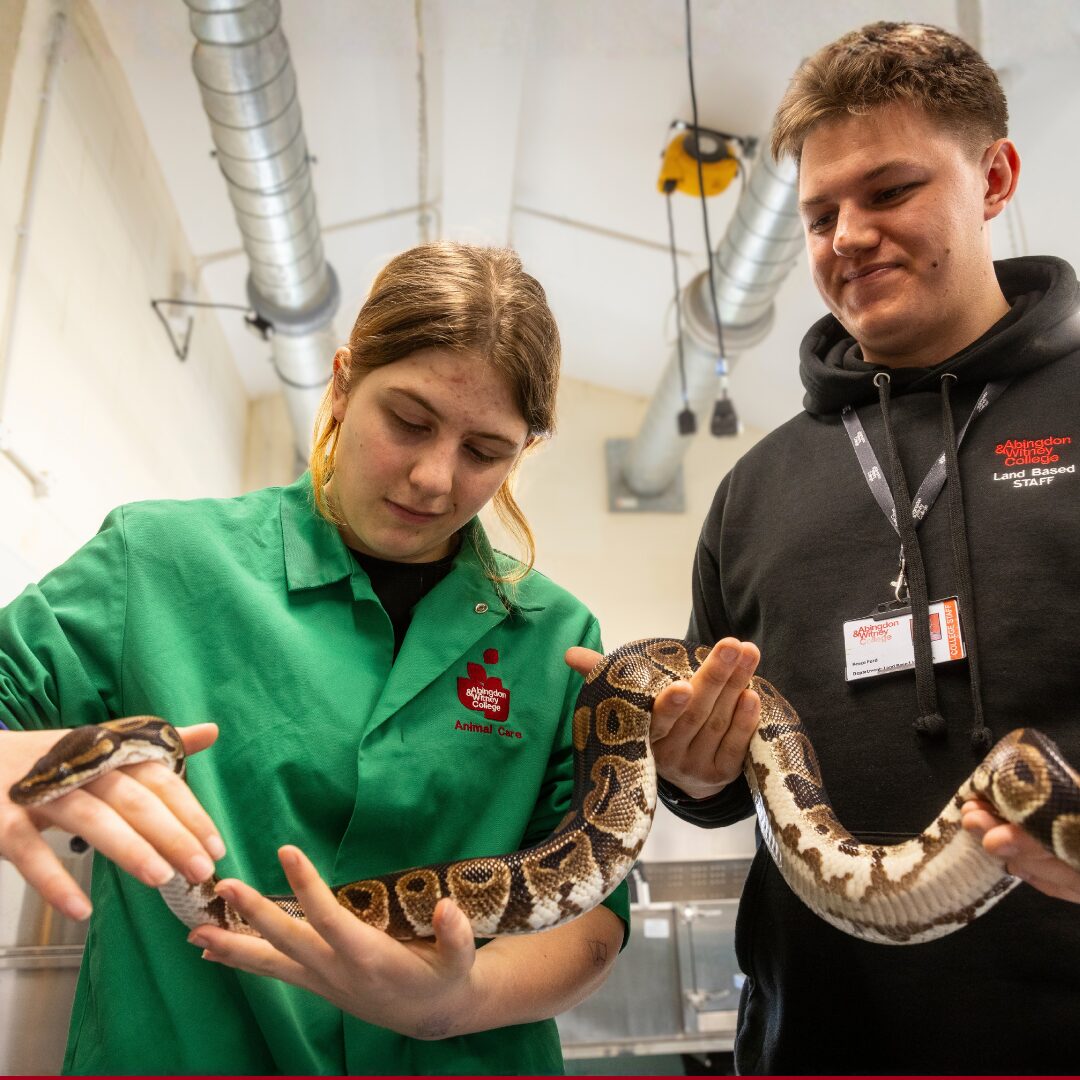
Common Leys Farm Campus Open Day
If you're interested in studying Equine, Agriculture or Animal Care, come along to our Open Day on Saturday 17th October from 10:00am – 2:00pm
If you're interested in studying Equine, Agriculture or Animal Care, come along to our Open Day on Saturday 17th October from 10:00am – 2:00pm
Search our website for news, courses, and general information
Course code: P05061
Subject area: Computing & Digital Technologies
Study level: Part Time
Course level:
Course time:
19:00 - 21:00
Days of week:
Tuesday
Course date:
13th Apr 2027 - 29th Jun 2027
Course location:
Abingdon CampusThis course will cover a more in depth look at : - Best practice knowledge with file sizes and designing for different outcomes - Using a variety of selection techniques and performing more complex selections - Exploring high colour, replacing colour and selective colour - Working with photographic effects postproduction. Vignettes, depth of field blur & Colour Grading Techniques - Brushes and Digital Painting and how to create a brush. - Landscapes & Replacing Skies - Non-Destructive Dodge and Burn - Exploring retouching and correcting through the process of Portraiture editing. - Double Exposure effects working with figures and landscape. - Using Blending Modes and Overlays to stack up subtle colour effects - Frequency Separations and High Pass Sharpening on portraits. - Colour Grading effects with Gradient Maps. - Making and applying Actions. - Collage techniques exploring unifying, blending and lighting to achieve high quality composite imagery.
The college uses windows-based systems not apple-based systems. This does not preclude you from using your apple product however please be aware that there can be slight differences in how you approach certain applications that are primarily written by Microsoft for windows.
Please note there are no classes during half term.
Term 3 course dates are subject to change due to GCSE examinations in May/June. Classes may be cancelled or rescheduled depending on the level of support required for learners during the exam period. Any changes cannot be confirmed until Term 2.
Please note - you should be 19 years old or over at 31st August 2026 prior to starting the course.
There are bursaries available to help you with other course costs. Call 01235 216 212 for more information.
The rules on fee reduction are complicated and we would encourage you to talk to our Admissions staff on 01235 216 400 to discuss your options. You can find more information on our Fees and Bursaries page - search "Fees and Bursaries" at the top of the page.
£199.60
£99.80